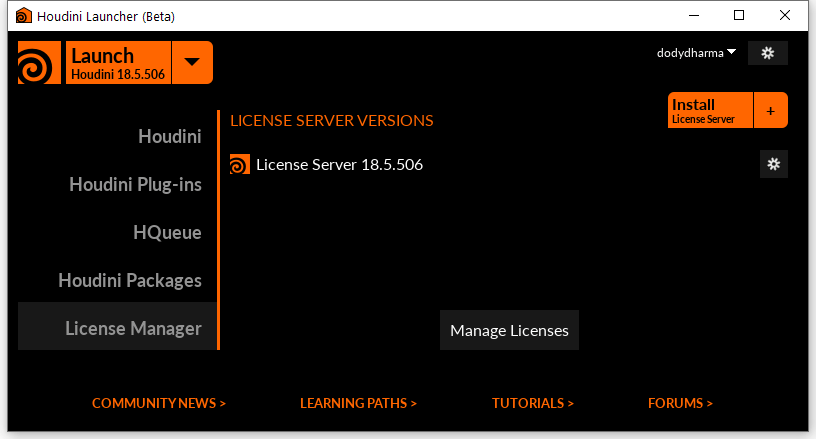
For the one who frustrated with the Houdini License Server, which unable to start in Windows 10 (even after trying to start and stop the HoudiniLicenseServer in the Services area of Windows, or Unblock firewall communication on ports 1714 / 1715, or already installing the license server with administrative privileges), I figure out a simple yet effective solution:
- Uninstall Houdini
- Download and Install Houdini Launcher from https://www.sidefx.com/download/launcher/
- Run Houdini Launcher
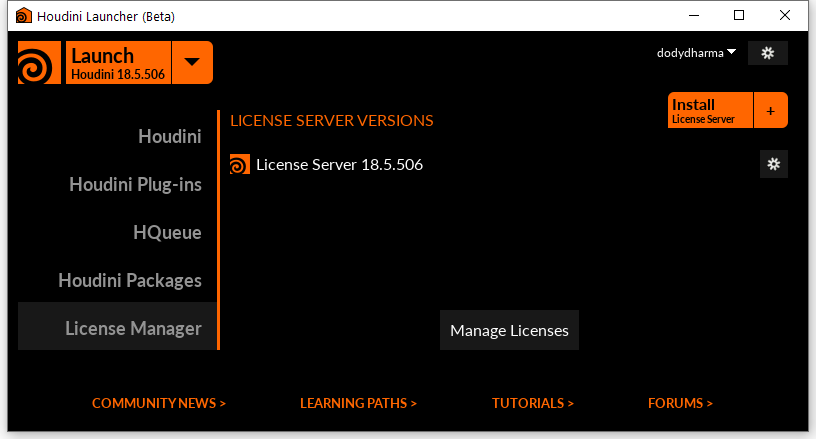
- Select License Manager Tab > Click Install License Server > Choose Daily Build version.
- After License Manager Installation, Back to Houdini Launcher.
- Select Houdini Tab > Click Install Houdini > Choose Daily Build version.
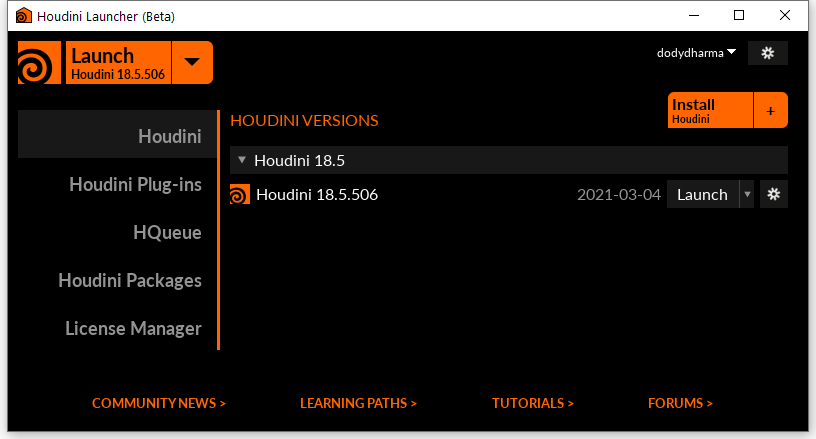
- Now run Houdini Apprentice from Windows start menu, and wait for the Houdini to Launch the license server and obtain new license.

Hope this will help.


 Dody Dharma, PhD